 David Ascanio
f60b2960c5
David Ascanio
f60b2960c5
- Display author name (Dr. José Benjamín Pérez Matos / Dr. William Soto Santiago) in the list panel and publication detail for each respective section - History entries now show the author inline and pass it through to the detail view - Fixed internal collection IDs (bible-studies-ts, conferences-ts) showing as raw strings in history; they now resolve to proper translated labels via i18n - Fixed English nav labels that incorrectly included "Typesense" in the display name - Added changelog entry for v0.8 |
||
|---|---|---|
| app | ||
| bruno | ||
| lang | ||
| public | ||
| server/api | ||
| .gitignore | ||
| LICENSE | ||
| README.md | ||
| eslint.config.mjs | ||
| nuxt.config.ts | ||
| package-lock.json | ||
| package.json | ||
| pnpm-lock.yaml | ||
| pnpm-workspace.yaml | ||
| renovate.json | ||
| tsconfig.json | ||
README.md
Nuxt Dashboard Template

Get started with the Nuxt dashboard template with multiple pages, collapsible sidebar, keyboard shortcuts, light & dark mode, command palette and more, powered by Nuxt UI.
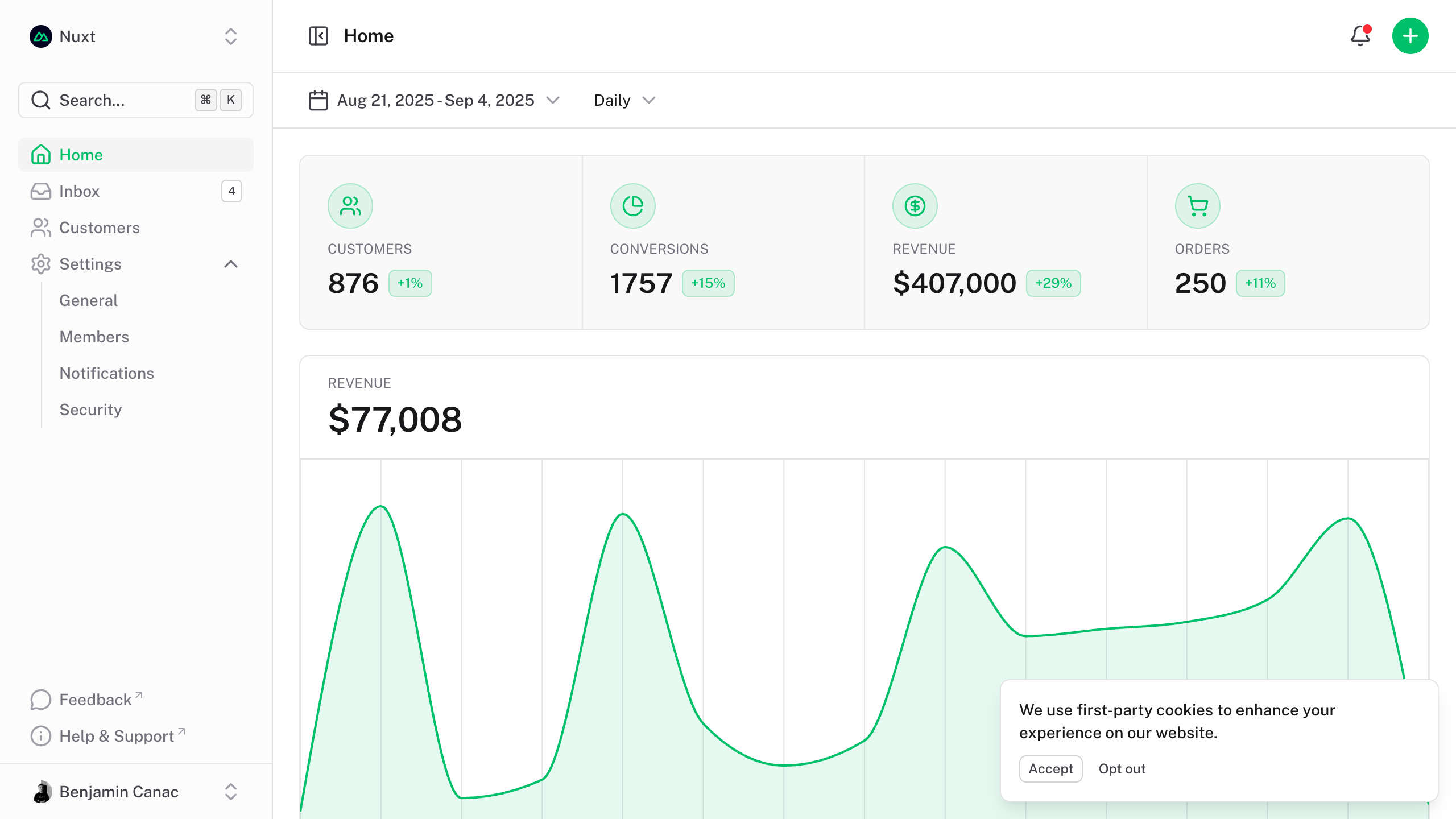
The dashboard template for Vue is on https://github.com/nuxt-ui-templates/dashboard-vue.
Quick Start
npm create nuxt@latest -- -t ui/dashboard
Deploy your own

Setup
Make sure to install the dependencies:
pnpm install
Development Server
Start the development server on http://localhost:3000:
pnpm dev
Production
Build the application for production:
pnpm build
Locally preview production build:
pnpm preview
Check out the deployment documentation for more information.
Renovate integration
Install Renovate GitHub app on your repository and you are good to go.